Galaxy Bowling 3D Arcade Sports
Review
Galaxy Bowling 3D offers a refreshing take on bowling with three distinct modes: ten pin, candlepin, and 100-pins. The space-themed graphics are visually appealing, and the controls are responsive. It is a safe, non-violent game suitable for all ages. The variety in gameplay keeps it engaging, whether playing solo or with friends.
About This Game
Game Introduction
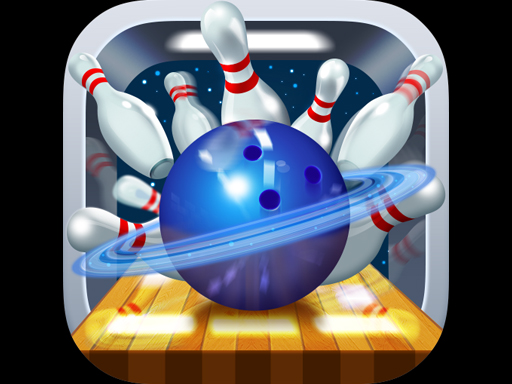
Galaxy Bowling 3D Arcade Sports is a free online game that brings together three classic bowling styles in one space-themed experience. Players can choose from traditional ten pin bowling, the precise challenge of candlepin, or the high-energy fun of 100-pins. The game features stunning 3D graphics and smooth controls. It is designed for players of all ages and offers safe, family-friendly entertainment with no violence or adult content.
How to Play
Getting started is simple. Use the on-screen controls to aim your ball. Adjust the power and angle of your throw, then release to send the ball down the lane. In ten pin mode, try to knock down all ten pins for a strike. Candlepin mode uses thinner pins that require more precise shots. In 100-pins mode, the lane is filled with pins for a chaotic and fun high-score challenge. Each mode has its own scoring system and strategy. Play alone or compete with friends for the highest score. The intuitive controls make it easy for beginners and enjoyable for experienced players.
Game Features
Three exciting bowling modes in one game: ten pin, candlepin, and 100-pins. Stunning 3D graphics with a space theme. Smooth and responsive controls. Solo and multiplayer options. Suitable for all ages and skill levels. No violence or adult content.
Tips for Success
To improve your game, practice aiming and power control in each mode. In ten pin, focus on hitting the pocket between the front pin and its neighbor for strikes. In candlepin, aim for the center of the pins and use a straight throw. In 100-pins, try to find a lane angle that clears many pins at once. Playing regularly will help you learn the timing and improve your scores.